Best MAP Monitoring Software in 2026 | Import.io
A practical, guide to the best MAP monitoring software in 2026, grouped by what each tool does best, from turnkey enforcement to evidence-backed in-house compliance with Import.io Aperture.



.svg)


.svg)


.svg)


Which AI tools does the Import.io MCP work with?

Any MCP-compatible client. That covers Claude, ChatGPT, Cursor, Windsurf, and VS Code today, along with anything else built on the Model Context Protocol. You connect by pointing the client at the hosted endpoint.
Do I have to host or run anything myself?
No. Import.io runs the engine, the browsers, and the proxies on its side. You connect your AI tool to the hosted endpoint and start pulling data. There is nothing to install or maintain.
How is this different from the browsing my AI tool already has?
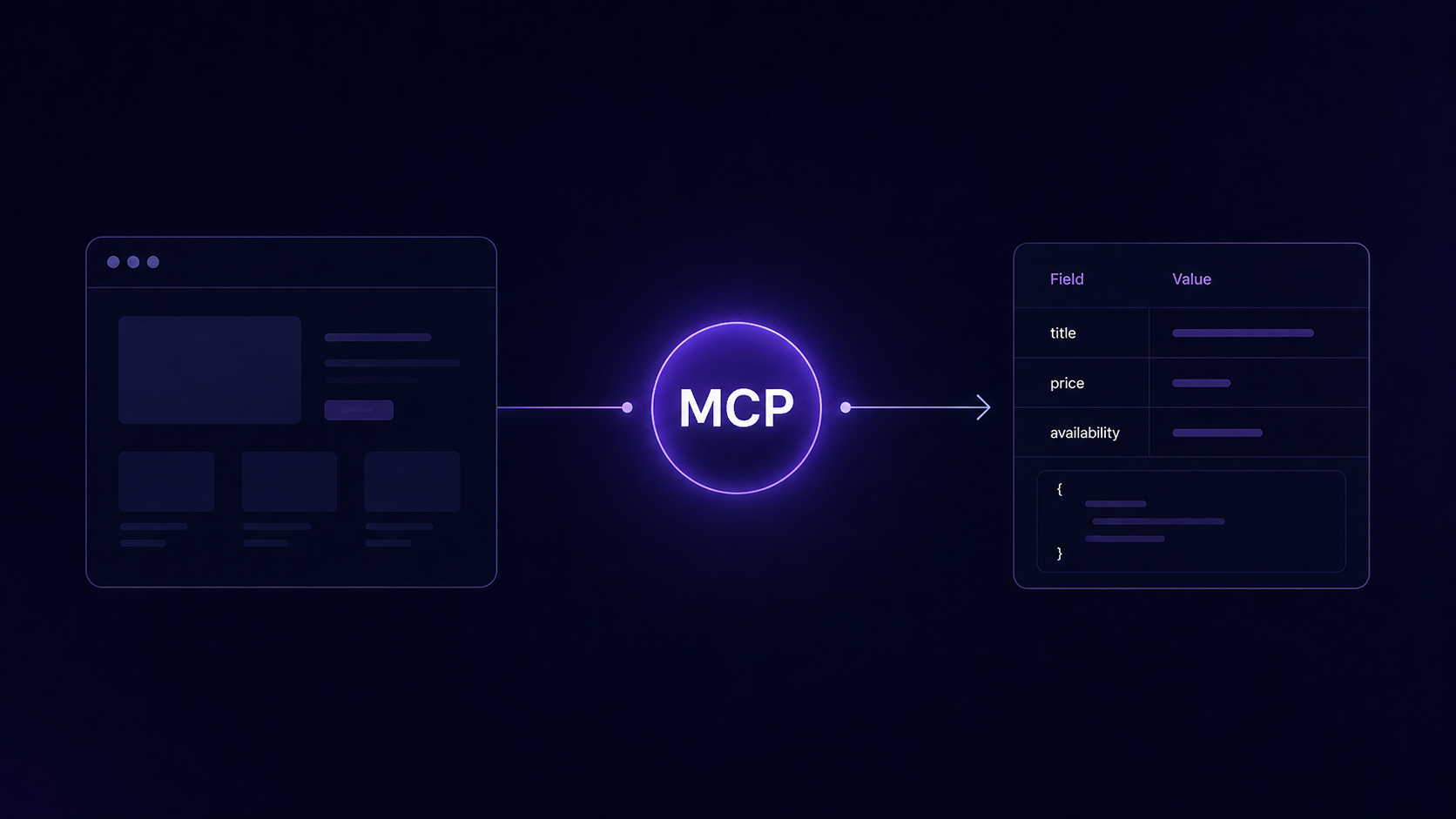
Built-in browsing reads a page or two and struggles the moment a site defends itself. The MCP puts a real scraping engine underneath, so your agent can get past blocks, ask for a specific country, and pull clean structured data across many pages instead of just one.
What can the tools actually do?
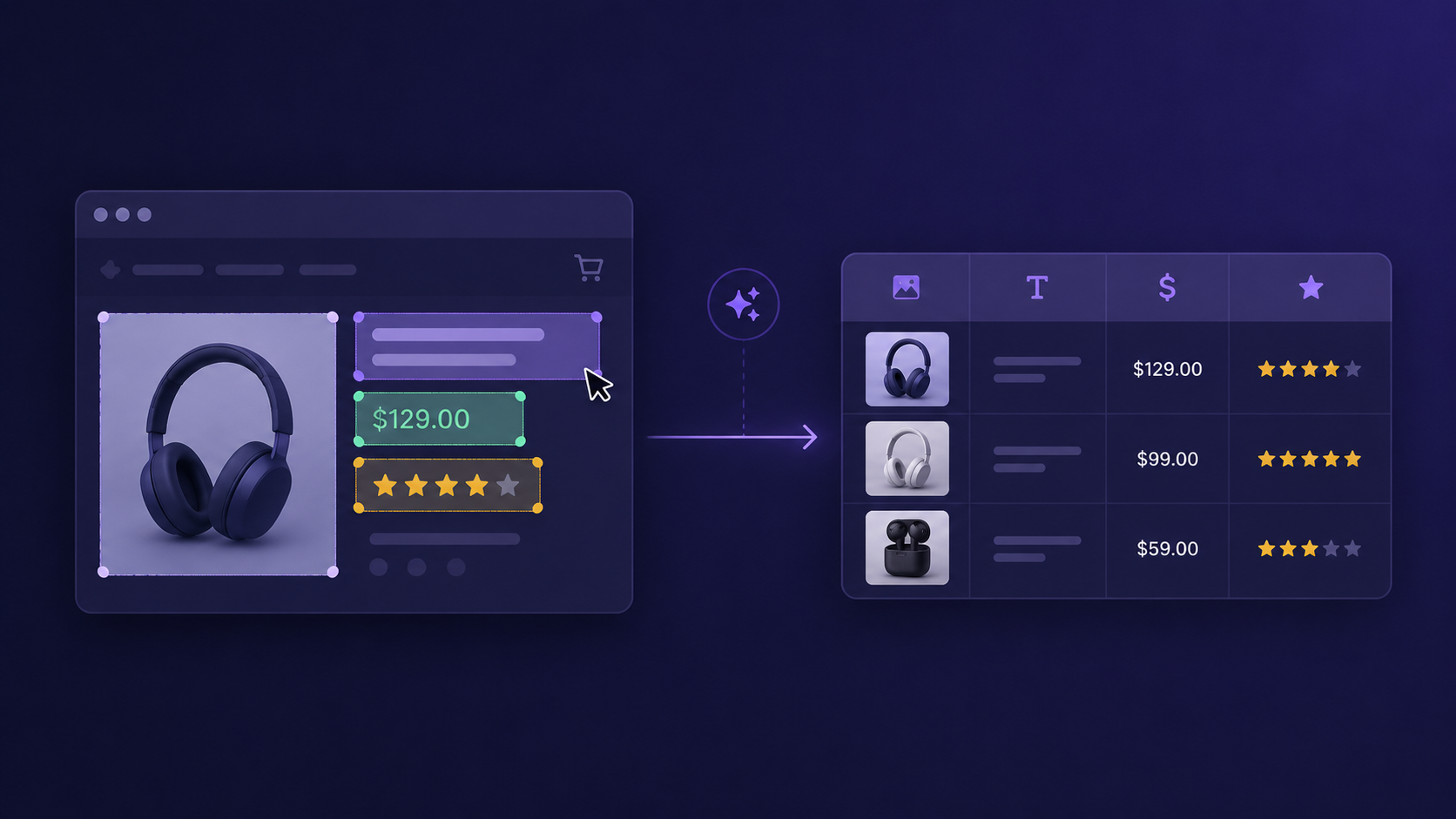
Import.io takes an AI-first approach to every project. Instead of starting with manual scoping or guesswork, you can engage directly with our platform using natural language to define your requirements. The AI helps refine the scope, shape the schema, and even build your first proof-of-concept automatically. This way, you see value faster, and the POC already reflects the exact business outcomes you care about.
How do I connect it?
Add the hosted endpoint at https://mcp.import.io/mcp as a connector in your client. Most clients start the sign-in flow automatically. If your client uses bearer tokens instead, create an API key and send it in the authorization header. It takes about two minutes. For step-by-step setup, see the quickstart guide.
What does it cost?
You get 10,000 free successful calls when you sign up, with no payment method needed to begin. After that it is a flat $0.0002 per successful tool call, billed monthly. You only pay for calls that return data, and you set a monthly spend limit you control. See the full pricing details.
What counts as a billable call?
Only successful tool calls. Setup requests, malformed requests, blocked requests, and calls that fail upstream are never billed. You pay for results, not attempts. See the pricing page for the full breakdown.






.avif)
.jpg)
.jpg)


%20(1).jpg)

.avif)




.jpg)


.jpg)





.jpg)