
The gold standard of web scraping now speaks MCP
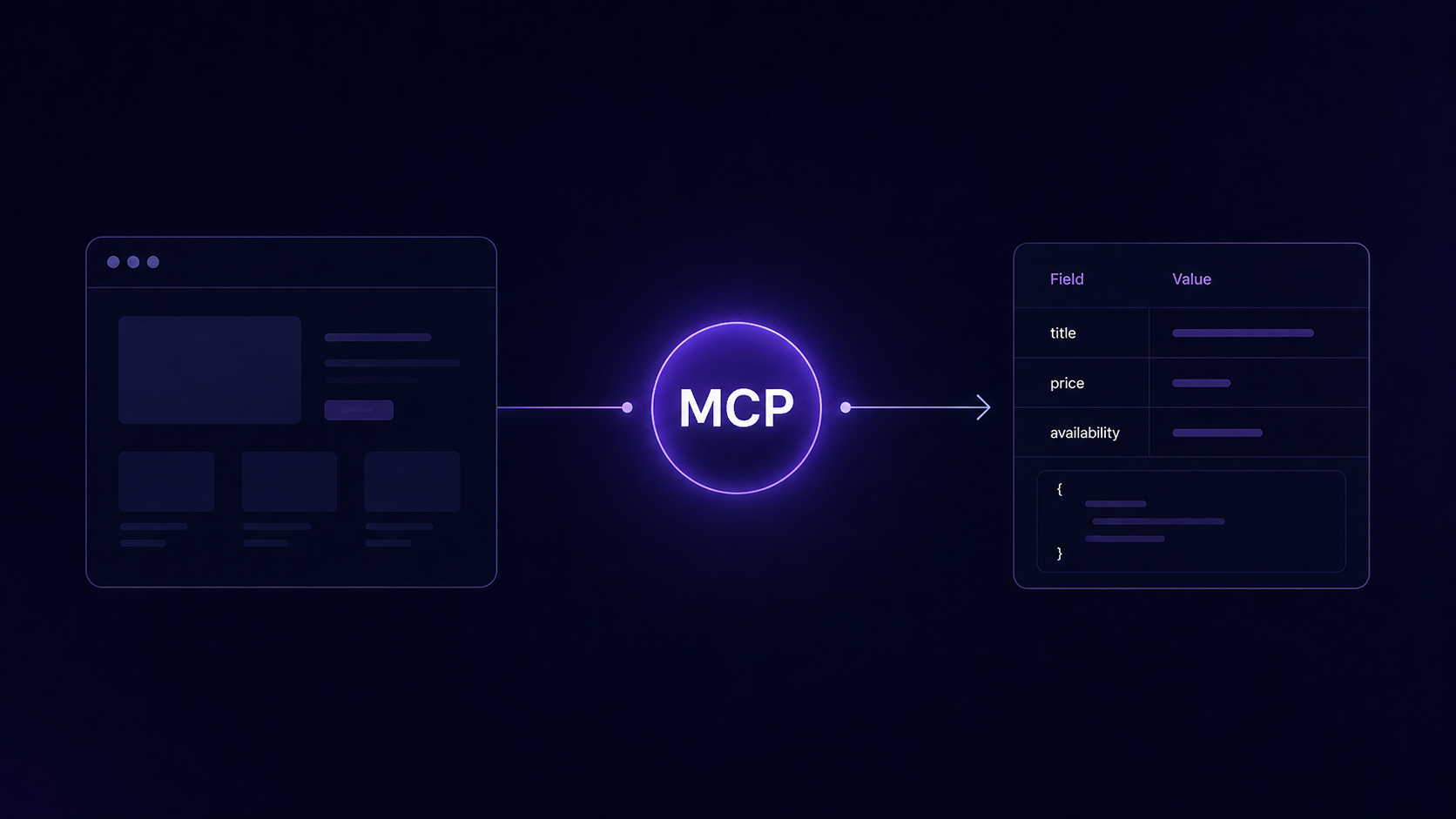
Introducing the Import.io Web Scraper MCP: years of enterprise extraction, one endpoint, any AI.
Web scraping has been an arms race for twenty years. Pages went dynamic. Sites learned to spot bots. Captchas arrived, then got smarter. Content started changing depending on which country asked for it. Every year the web gets better at hiding, and every year someone has to get better at reading it anyway.
For fourteen years, that someone has been Import.io. Our engine pulls data from the websites that defend hardest, for enterprise data teams and some of the world's largest retailers, through every generation of anti-bot technology the web has produced.
Today we're handing that engine to your AI.
The Import.io Web Scraper MCP is a hosted server built on the Model Context Protocol, the open standard that lets AI tools discover and call external tools. Connect Claude, ChatGPT, Cursor, Windsurf, VS Code or any other MCP client to one endpoint, and your agent gets what took us fourteen years to build: managed browsers, proxy routing from data center to residential, captcha handling, country targeting, and extraction that returns fields instead of pages. We run the engine. You just connect.
Why can't my AI just browse the web?
Because browsing was never scraping. Three problems separate them, and agents hit all three on day one.
Modern sites need a browser. Most pages worth scraping render with JavaScript, load content as you scroll, or show data only after interaction. A plain fetch returns an empty shell. The MCP renders every page in a managed browser before anything gets extracted.
Location changes the answer. Prices, stock and content shift by country. An agent asking from the wrong place gets the wrong data. With the MCP, your agent names the country and the result reflects the market that matters.
Raw pages waste model context. Feeding whole pages into a model burns tokens and buries the signal. The MCP returns only the fields your agent asked for, as structured data it can use immediately.
Built-in browsing reads a page or two and hands back messy text. That's fine for looking something up. It collapses the moment you need data, at volume, in structure, from sites that fight back.
What does it do?
Three core tools carry the work. importio_render loads any page through the engine, fully executed, dynamic content present. importio_extract_data returns structured data containing only the fields you asked for. importio_get_html hands over the full page when you want to parse it yourself. Around them sits a complete set of browser actions - clicks, form input, scrolling, pagination, screenshots, captcha handling, so your agent can work a site the way a person would, then extract like a machine.
In practice, you point your agent at a page and say what you want:
"Load this product page as seen from Germany and return name, price, currency, and availability as JSON."
The answer comes back shaped like this:
No HTML. No boilerplate. No cleanup step. The difference between browsing and extraction, in four lines.
Because it speaks the Model Context Protocol, it works with every MCP-compatible client, the ones named above and anything else built on the standard.
How is this different from other scraping MCPs?
Most scraping MCPs are new tools meeting old problems. This is the opposite: an engine that has already survived the web's defenses, now speaking a new protocol.
Anti-bot capability isn't a feature you ship. It's a war you've either fought or you haven't. Every proxy strategy, every captcha workflow, every rendering trick in this engine exists because a website, somewhere, stopped an enterprise data pipeline and we had to get it moving again. New scraping tools will learn those lessons one blocked request at a time. Ours came pre-paid.
How do I connect it?
Add the hosted endpoint to your client:
Most clients open the sign-in flow automatically; clients that use bearer tokens take an Import.io API key in the authorization header. Two minutes, nothing to install, nothing to host. A one-click Claude plugin install is on the way.
Then ask for data in plain language: point the agent at a page, say what you want, get structure back.
What does it cost?
Your first 10,000 successful calls are free. No payment method, no configuration, no commitment - sign up, connect, scrape.
After that, a flat $0.0002 per successful tool call, billed monthly. Only calls that work are billed: setup requests, malformed requests, blocked requests and failed upstream calls cost nothing. You pay for results, not attempts. A million successful calls is $200.
That shape is deliberate. Agent workloads are spiky and experimental, and you shouldn't have to guess your volume or buy a subscription to find out. Test free, pay per result, scale when it works.
Get started
The web has spent twenty years learning to keep automated readers out. Your AI now arrives with fourteen years of experience getting in, legitimately, at scale, for public data. Connect a client, spend your free calls on the sites you actually care about, and see what an agent can do when the web stops being the hard part.
